WhatsApp Chatbots Without the Hype: Keyword Auto-Replies and Human Handoff
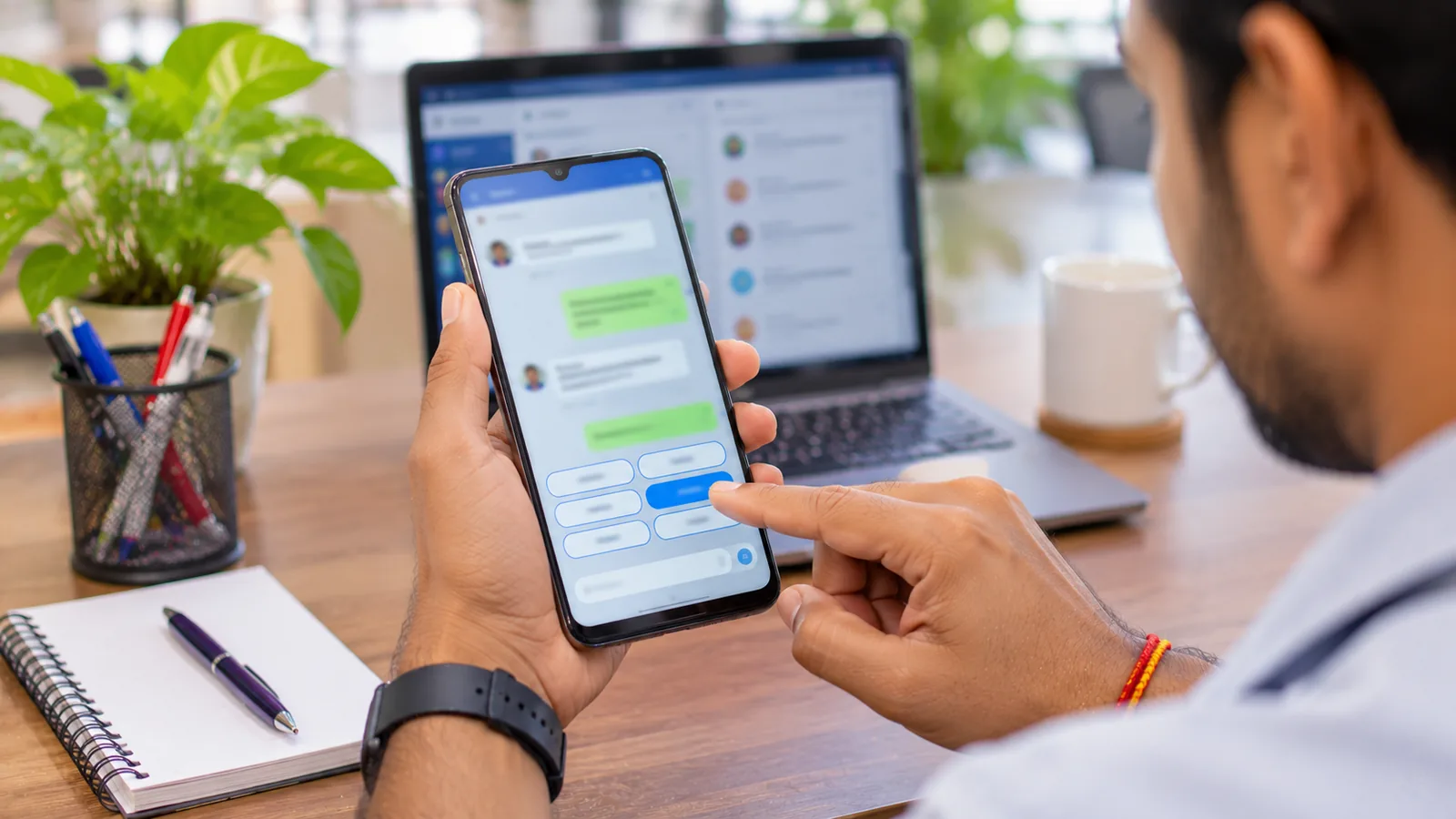
"Chatbot" means very different things to different people. For many businesses, the most useful WhatsApp bot is not a clever conversationalist but a reliable assistant: it answers the obvious questions, collects a few details, and passes the customer to a person at the right moment.
This post explains how rule-based automation works in ATTPL CRM & WhatsApp Automation and how to design rules your customers will appreciate.
How rule-based automation works
An automation is an ordered list of rules. Each rule has a trigger, such as a message containing certain keywords, an exact keyword match, or the first message from a new contact, and one or more actions. The first rule that matches runs. There are no loops by design, each customer message triggers an automation at most once, and a cooldown stops the bot from repeating itself.
Replies are written by your team. The platform does not generate replies with AI, which keeps answers predictable and accurate to your business.
The actions available
- Send a text reply.
- Send a message with up to three buttons, for example "Prices", "Location" and "Talk to us".
- Add a tag to the contact.
- Assign the conversation to a team member.
- Hand off to a person, with a note for the team.
- Capture the contact as a lead at a chosen stage.
- Mark the contact as opted out.
Design rules around real questions
Read a few weeks of conversations and list the questions customers ask most. Opening hours, location, delivery areas and "is this in stock" are common. Write one rule per question with several keywords, including common misspellings and local-language words. Keep replies short, and end each with a way to reach a person.
For bilingual audiences, see Hindi and English WhatsApp support; the same idea applies to any pair of languages.
Business hours and expectations
Rules can follow a business-hours calendar in your time zone. Outside those hours, a reply can say when the team will respond and offer buttons for the most common self-service answers. Setting expectations honestly is better than pretending someone is online.
A human always wins
The most important rule of a good bot is knowing when to stop. In the platform, the bot does not act on a conversation that is assigned to a person, that an agent has taken over, or where the bot has been paused. A handoff action notifies the team and quiets the bot. Customers who type "agent", "human" or simply ask for help should reach a person quickly. Our shared inbox guide covers what happens next.
Capture leads and respect opt-outs
Bots are good at structured tasks. A rule can tag a contact by interest and capture it as a lead at "new enquiry", which feeds your pipeline; see lead stages for small teams. Another rule should match STOP and similar words and mark the contact as opted out, so future campaigns skip them.
Mistakes that frustrate customers
Most bad bot experiences come from a few avoidable mistakes. The first is keyword rules that are too broad, such as matching the word "price" inside every message, so the bot replies to complaints with a price list. Use exact matches for short words and test rules against real messages. The second is replies that are too long; a customer should get the answer in one screen.
The third mistake is hiding the way to a person. Every reply should offer a clear option, such as a "Talk to us" button, and the team should respond quickly when it is used. The fourth is forgetting to update texts when timings, addresses or offers change. Review rules every month, and whenever something about the business changes, so the bot never tells customers something that is no longer true.
Start small
Three or four well-tested rules are better than thirty untested ones. Begin with a welcome, an after-hours reply, an opt-out rule and a handoff, watch how customers respond for a few weeks, and add rules only for questions that keep repeating.
Draft, test, publish
Automations are versioned. Edits create a draft that you can review, and publishing is a deliberate step that validates the rules again. Test with your own number before publishing, and keep a record of what changed. The automation runs only on messages from customers, and every reply happens inside the customer-service window that the customer's message opened. Create a company account to build your first rules.
Frequently asked questions
Does the chatbot use AI to write replies?
No. Replies come from rules and texts your team writes, so the bot never invents an answer. Anything outside the rules goes to a person.
Can the bot and my team reply to the same customer?
Not at the same time. An agent reply, an assignment or a handoff pauses the bot for that conversation.
Can the bot send messages to customers who have not written?
No. Automations only respond to inbound customer messages. Messages you start go through approved templates and campaigns instead.
ATTPL CRM & WhatsApp Automation keeps automation simple, honest and under your control. Call toll-free 1800 890 0815 to plan your first rules.