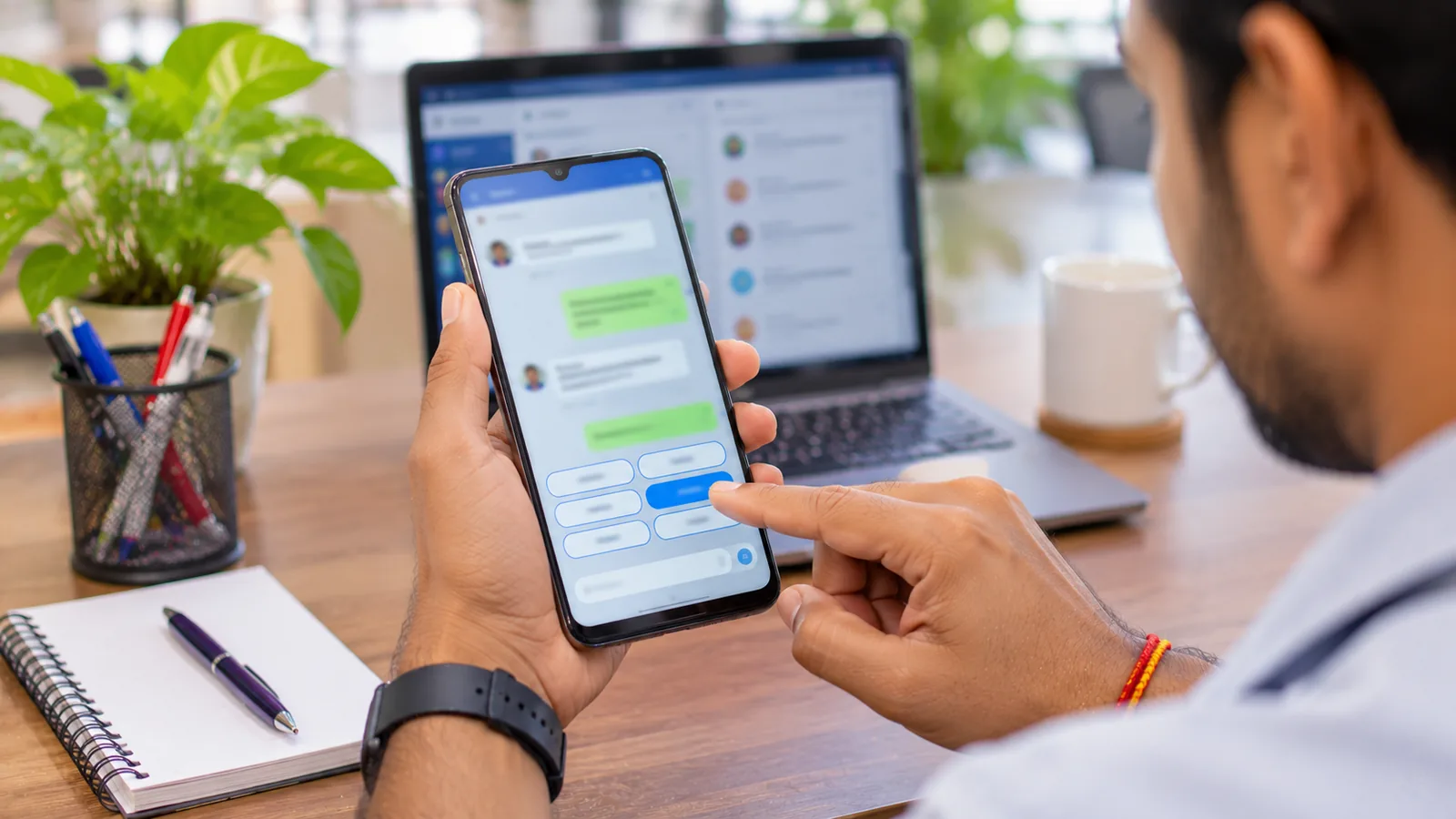
Hindi and English WhatsApp Customer Support for Rajasthan Businesses

Customers across Rajasthan write the way they speak. Some write in Hindi in Devanagari, many write Hindi in Roman letters, others switch between Hindi and English in the same sentence, and some prefer English. Good support meets them where they are.
This post explains how to set up WhatsApp support that works in both languages, without confusing customers or your team.
A CRM your team can use in Hindi
Support staff work faster in the language they are comfortable with. The ATTPL CRM & WhatsApp Automation interface can be switched between English and Hindi by each user, so a counter executive in Bikaner and a manager in Jaipur can work in their preferred language on the same data.
Contact names and notes can be stored in Devanagari or Roman script, and both appear correctly in the inbox and in exports.
Bilingual auto-replies that customers understand
Keyword rules can include both Hindi and English words. A rule for timing questions might match "timing", "samay" and "समय", and reply with a short message that has the key information in both languages. Keep these replies brief; a customer reading on a small screen should find the answer in a few seconds.
Buttons are useful when you are unsure of a customer's language. A first-message welcome can offer "हिन्दी" and "English" buttons, and later rules can respond in the chosen language. For the wider design of rules and handoff, see keyword auto-replies with human handoff.
Templates in two languages
Templates are approved per language. If you send order updates to customers who prefer Hindi, create a Hindi version of the template alongside the English one and submit both for Meta's review. Use the same variables in both, such as customer name and order number, so staff can pick the right one without rewriting anything.
Mixing scripts inside one template can be harder to read and review, so a clear Hindi version and a clear English version usually work better. More on wording in the template approval guide.
Routing conversations to the right person
Not every team member is equally comfortable writing formal Hindi or English. A simple approach is to tag contacts by language preference and assign conversations accordingly. Internal notes in the inbox can say "prefers Hindi voice call" or "write in English, office manager", so whoever picks up the conversation next follows the customer's preference.
Team routines matter as much as tools; our shared inbox best practices post suggests assignment and response habits for small teams.
Opt-out words in both languages
Customers must be able to stop marketing messages easily. Many will type STOP, but some will write "band karo" or "मत भेजो". An automation rule can match these words as well and mark the contact as opted out, so the request is respected whatever language it arrives in. Opted-out contacts are excluded from future campaigns.
Explaining this clearly in your consent text, in both languages, builds trust from the first message.
Writing style that works in both languages
Short sentences translate better than long ones. When you write an auto-reply or template in English first, keep each sentence to one idea, then write the Hindi version as a natural sentence a customer in Ajmer or Bharatpur would actually say, not a word-for-word translation. Read both versions aloud. If either sounds stiff, simplify it.
Be consistent with numbers, dates and names. Use the same date format in both languages, keep product names as customers know them, and avoid abbreviations that only your team understands. Where a technical word has no common Hindi equivalent, it is fine to keep the English word in Devanagari or Roman script, as people do in everyday speech.
Finally, agree on a polite tone for the whole team. Many customers in Rajasthan expect a respectful greeting such as "Namaste" or "Ji" before getting to business. A shared tone across agents, bots and templates makes the business sound like one organisation rather than several people with different styles.
Quality over speed
Fast replies help, but correct and polite replies help more. Review a sample of conversations every week, check that bilingual auto-replies still match your current timings and policies, and update texts before festival seasons. Our privacy policy describes how conversation data is protected while you do this.
Frequently asked questions
Can the software itself be used in Hindi?
Yes. Each user can switch the interface between English and Hindi. Where a Hindi label is not yet available, the English text is shown so no screen is left blank.
Can auto-replies understand Hinglish?
Auto-replies match the keywords you list, so you can include Hindi, English and Roman-script Hindi spellings of the same word. They do not guess meaning beyond those keywords.
Do Hindi templates need separate approval?
Yes. Each template language is a separate version that Meta reviews, so submit the Hindi and English versions of a template individually.
ATTPL CRM & WhatsApp Automation supports Hindi and English teams across Rajasthan. Call us toll-free on 1800 890 0815, in either language.