WhatsApp CRM for Jaipur Retail Shops: From Counter Enquiry to Repeat Customer
Walk through any market in Jaipur, from Johari Bazaar to the newer showrooms on Tonk Road and in Vaishali Nagar, and you will see the same thing: customers asking about stock, prices and delivery on WhatsApp. The phone at the counter has become the shop's second front door. The trouble is that it is usually one phone, used by several people, with conversations scattered across chats that nobody can search properly.
This post looks at how a retail shop can turn those chats into an organised customer list and a follow-up routine, without spamming anyone and without depending on one person's handset.
Why a single shop phone stops working
A shared phone works while the shop is small. As soon as two or three people answer enquiries, problems appear. Two staff members reply to the same customer with different answers. A customer who asked about a sofa set last Sunday is forgotten because the chat has scrolled away. When the phone is replaced or a staff member leaves, the history goes with it.
A CRM fixes the record-keeping part: every customer becomes a contact with a name, a mobile number, tags such as the product they asked about, and a lead stage such as "enquiry", "visited" or "purchased". The WhatsApp conversation sits next to that record instead of living only inside one device.
Connecting your own number through the official platform
ATTPL CRM & WhatsApp Automation works only through Meta's official WhatsApp Business Platform, the Cloud API. Each business connects its own WhatsApp Business Account and its own number. There is no QR-code login of a personal phone, no browser extension and no unofficial gateway, which matters because unofficial tools put the number at risk of being restricted.
Before you connect, it helps to understand how the API differs from the free phone app. Our guide on the WhatsApp Business app versus the Cloud API explains what changes for a number that is already in daily use.
A shared inbox for the whole counter team
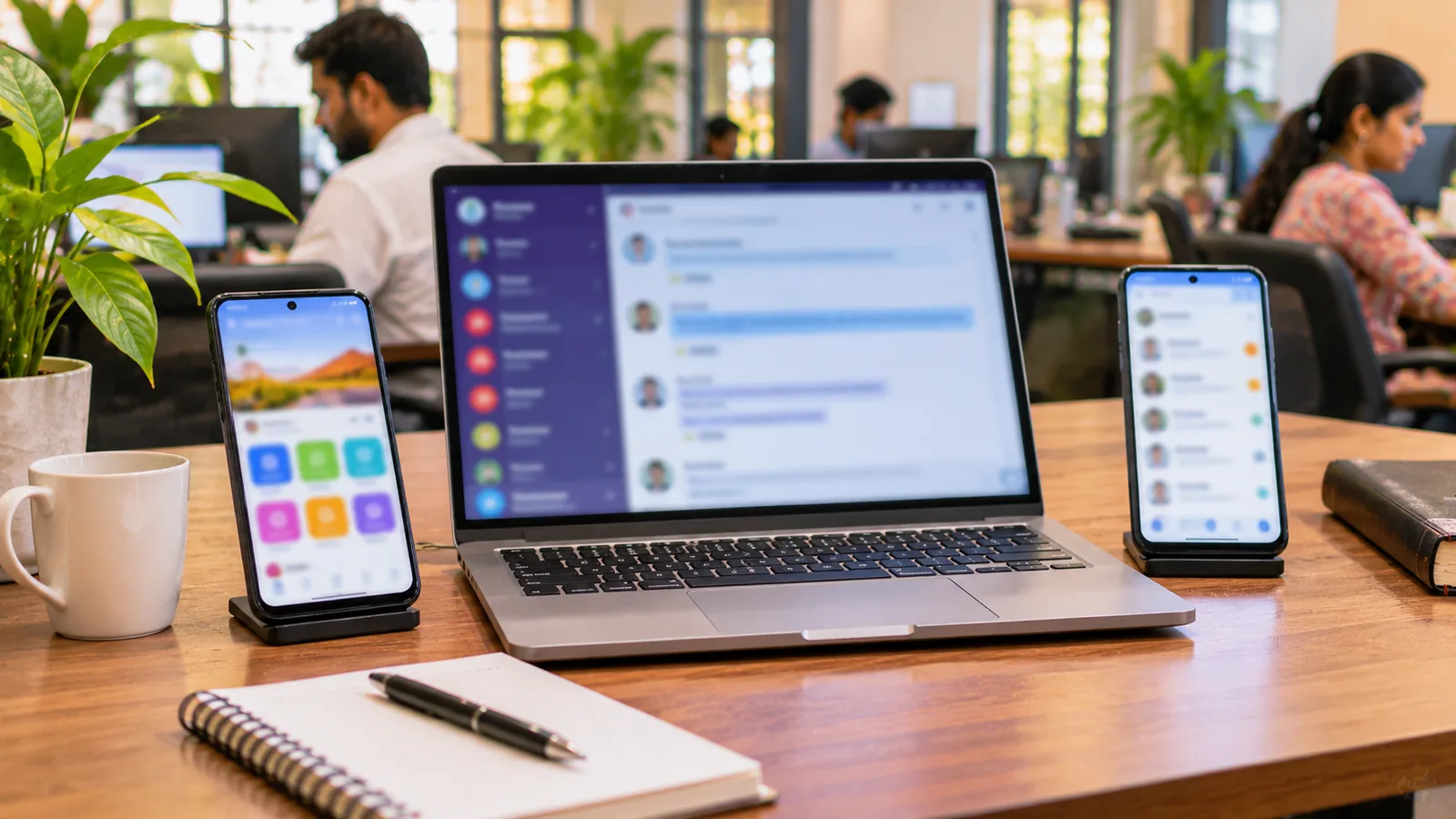
Once the number is connected, incoming messages arrive in a shared team inbox. A conversation can be assigned to the person handling that customer, and staff can leave internal notes such as "asked for the walnut finish, call after Diwali stock arrives" that the customer never sees. Because a reply locks the conversation while it is recorded, two people cannot answer the same customer at the same moment.
Free-form replies are possible while the customer-service window is open, which normally means within 24 hours of the customer's last message. After that, you reach out again with an approved template. The rule sounds strict but it keeps your number in good standing; we explain it step by step in the 24-hour window explained.
Turning walk-ins and calls into contacts
Not every customer starts on WhatsApp. Some walk in, some call, some fill a form on your website. Staff can add them as contacts directly, and an existing customer list kept in Excel can be imported as a CSV or XLSX file. The import shows a preview first and gives you a file of rejected rows, for example numbers that are not valid, so you can correct them instead of losing them quietly.
Each contact also carries a consent status. That is the part most shops skip, and it is the part that protects you later.
Following up without spamming
Festive seasons, wedding season and new stock arrivals are natural reasons to message customers. The platform only sends marketing campaigns to contacts whose consent has been recorded with evidence, such as a signed form at the counter or a reply on WhatsApp saying they would like updates. Contacts without consent are left out automatically, and anyone who replies STOP can be marked as opted out so they are not messaged again.
You choose an approved template, pick an audience with filters such as tags or lead stage, preview it, and launch or schedule it in Indian time. Delivery statuses come back into the campaign report. Our post on running broadcast campaigns without spam covers how to keep these messages welcome.
Simple automation for busy hours
During a rush, a keyword auto-reply can answer the common questions: shop timings, location, or "send the word CATALOGUE to get the latest catalogue link". Rules can respect business hours, so a message received at night gets a polite "we will reply in the morning" and the conversation can be handed to a person as soon as the shop opens. A human reply always pauses the bot.
Getting started in a Jaipur shop
- Decide which number customers already know and whether it will move to the API.
- Clean your existing customer list and record where consent came from.
- Create a few lead stages that match how your shop actually sells.
- Prepare two or three templates for follow-ups and submit them for Meta's approval.
- Train the counter team on the shared inbox and internal notes.
When you are ready, you can create a company account and start with the CRM while your WhatsApp connection is reviewed.
Frequently asked questions
Can several staff members use one shop WhatsApp number?
Yes. With the Cloud API the number is connected to the platform, and every team member signs in with their own account to the shared inbox. Roles decide who can reply, who can launch campaigns and who can only view.
Do I need customer consent to send offers on WhatsApp?
Yes. WhatsApp requires opt-in before a business sends messages it initiates, and marketing in this platform is sent only to contacts with recorded consent. Customers can opt out at any time.
Can I import my existing customer list?
Yes, from a CSV or XLSX file. You see a preview before the import starts and get a downloadable list of rows that could not be imported, with the reason.
ATTPL CRM & WhatsApp Automation is built in Jaipur for shops like yours. Call us toll-free on 1800 890 0815 to see it working with your own customer list.